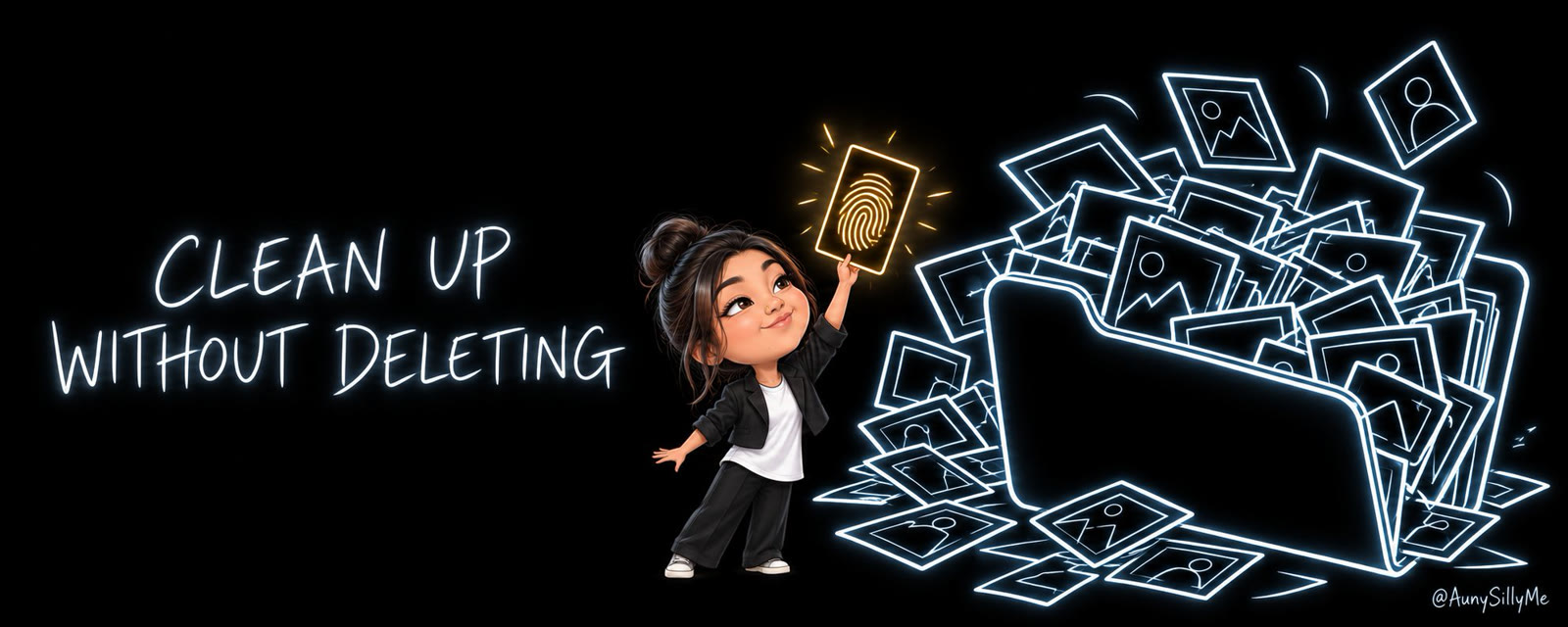
your business folder is probably a mess. logos, profile pics, banners, product images, legal screenshots, all in one place.
some of it is still live on your site. some of it is outdated. and nothing in the folder tells you which is which.
you can clean up files without deleting a single one, and without archiving the one that matters: have your AI sort them by what's inside each file, not by its name.
here's how it works, and how to have your AI do the same.
your files don't tell you which ones are still in use
the usual way to clean up is by name or by date. both can lie to you.
the worked example, from Auny's own business folder:
- her site's profile picture was saved on her computer as "auny x pfp 2 copy.JPG". nothing about that name says "this one's live"
- 3 files from May were outdated, while a file from Nov 2025 was still the picture on her site
clean up by date, and you archive the one that matters.
check the fingerprint, not the name
every file has a fingerprint: a code made from what's inside it. rename the file and the fingerprint stays the same.
[your AI does the technical part. this is the simple-words version of what it checks]
what it does:
- makes a fingerprint for every brand file on your computer
- makes a fingerprint for every image on your websites
- matches them up
on Auny's run, her Claude fingerprinted 242 brand files and every image on her 2 websites. 25 matched aunysillyme.com, most of them under a totally different filename. 0 matched her other site, so nothing there needed saving.
now you KNOW which files are live, without guessing from names.

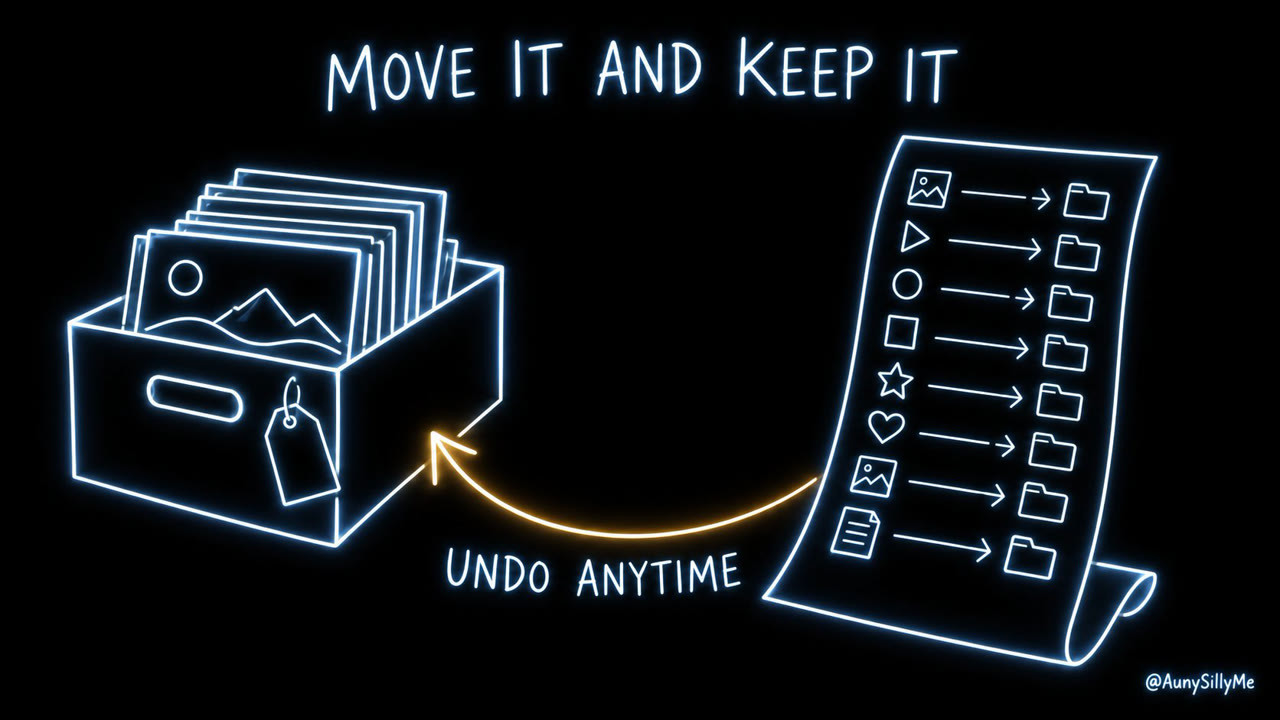
clean up files: move it, never delete it
the rule for anyone: during a cleanup, nothing gets deleted.
- anything with a newer version goes into an Archive folder
- your AI writes a list of every move, old spot → new spot
- so if something looks off later, 1 script puts it all back
before it moves a single file, have it show you the new folder layout and ask about the files it can't place. keep the ones you still use and retire the rest.
Auny's Claude asked her about 10 files it couldn't place. she kept the ones she still uses and retired 2. the whole cleanup: 288 files moved, 0 deleted, and her live profile pic found under a name she'd never have guessed.
where it almost went wrong
some of your scripts and apps may save files straight into that folder.
move the folder without telling them, and your next invoice lands in a folder that doesn't exist anymore.
in Auny's case it was 3 scripts: invoices, rate card and link previews. so her Claude updated every script that pointed at the old spots too.
[check what writes into a folder before you move it]
have your agent do it
paste this into your AI of choice:
Before we clean up this folder, make a fingerprint (a hash) of every file in it and of every image on my website, and tell me which files are live on the site, even when the names don't match. Show me the new folder layout before you move anything.
Move, don't delete. Put old versions in an Archive folder, write a list of every move so we can undo it, and check whether any of my scripts or apps save files into this folder before you move it.
keep that Archive folder around for a while before you ever empty it.

1:1 call · matches this post
AI Workflows for Creators
want your files, folders and scripts run by a system like this? That's the AI Workflows for Creators call.