if you use more than 1 AI, you've probably done this: explained the same project to Claude, then again to ChatGPT, then again to whatever you opened next 😭
each one starts from zero, because none of them know what the others did.
you can fix that with notes. here's how to share memory between AI tools with a vault: a folder of notes that all your AIs can read and write (Obsidian works well for this).
(Claude and Codex can read a folder on your computer. for an AI that lives in a browser tab, upload the note at the start of the chat.)
here's the simple version:
1. every AI signs what it touches
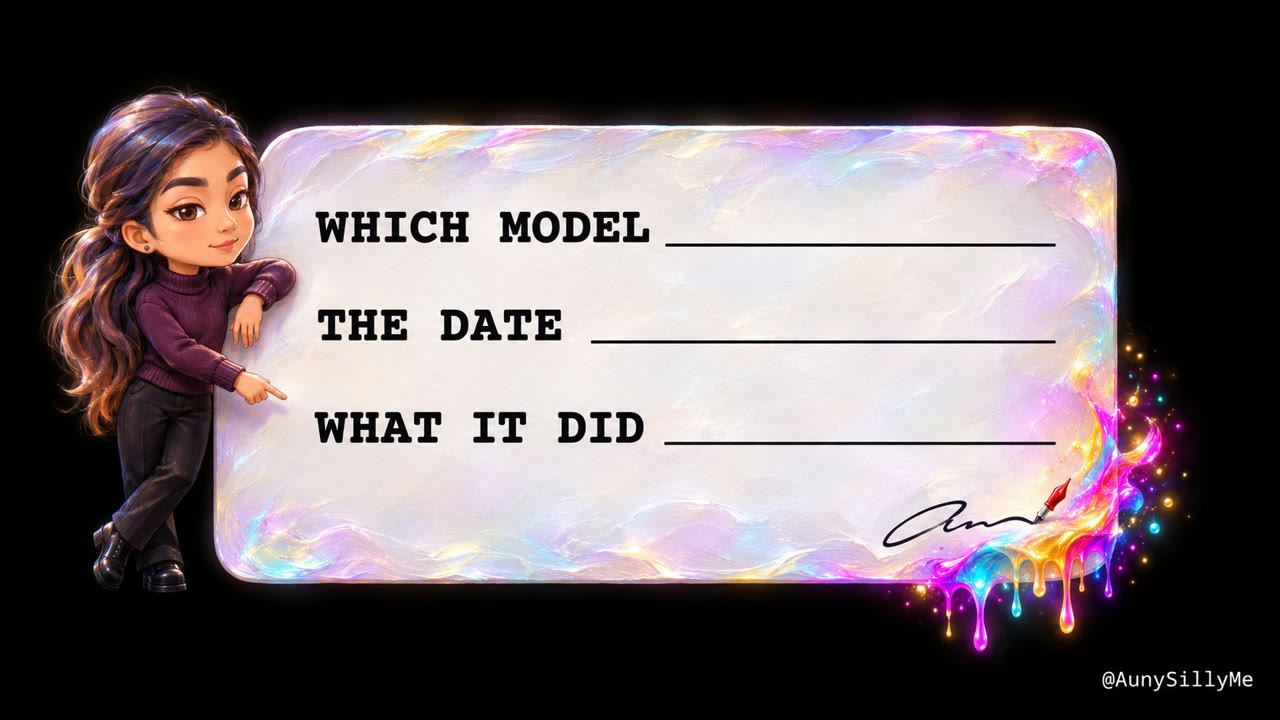
at the bottom of any doc an AI creates, it signs 3 things:
- which model it is
- the date
- what it did, in under 10 words
it looks like this:
"Created by: Claude Opus 5.5 · 2026-10-05 · wrote the daily posting steps"
so the next AI that opens the doc knows who was there, when, and why, before it changes a single line.
2. one line, never a pile
when another AI edits that doc, it replaces the signature with 1 line: last edited by who, when, and why.
never a stack of signatures piling up at the bottom.
the newest edit always sits in the same spot, so no AI has to dig for it.
3. an inbox folder for your AIs
make a folder called Agents Inbox.
when one AI wants another to know something, it leaves a doc there. the next AI reads the inbox first, before it starts.
so it never redoes work that's already done.
it's the same thing you'd do with a coworker on a different shift: leave a note on the desk instead of hoping they guess.
why a folder can share memory between AI tools
your AIs don't share memory with each other (at least not yet). but they can all read the same folder.
so that folder works as the memory they share.
this is the basic version, for setups where your AIs don't share memory. it's the place to start, and once it's running you can build up to letting them talk to each other directly.
have your AI set it up
you don't have to build any of this by hand. paste this to your AI:
from now on, sign the bottom of every doc you create or edit with your model name, today's date, and what you did in under 10 words. if a signature is already there, replace it with one "last edited by" line. before you start any task, check the folder called Agents Inbox for notes from my other AIs, and leave a note there when you finish something another AI should know about.
then paste the same thing into every other AI you use.
start with 2 of them. the first time one picks up where the other left off without you explaining anything, you'll get it 🙌🏽

1:1 call · matches this post
AI Automation Consulting Call
I design automated AI workflows around the repeat work taking your time, and send you the outline and written instructions to run them.