The question most people ask is "which AI should I use".
The better question is "which AI is free right now for this job".
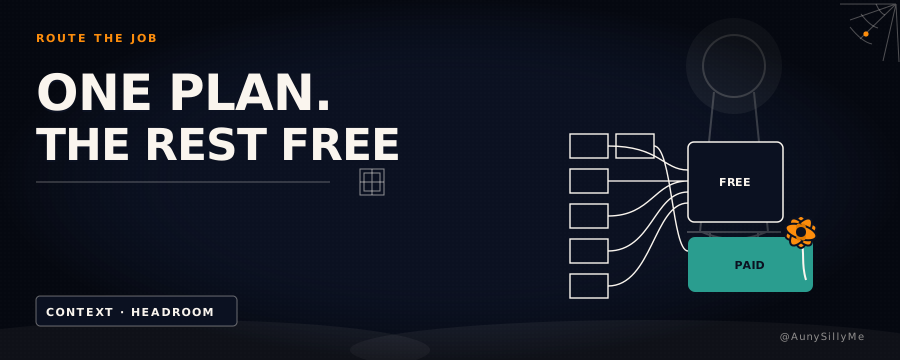
One paid plan can carry the work that genuinely needs it. Everything else you touch in a week costs somewhere between nothing and pocket change, if you route it.
stop picking a favorite
The standard path looks efficient:
- pick one tool
- learn it deep
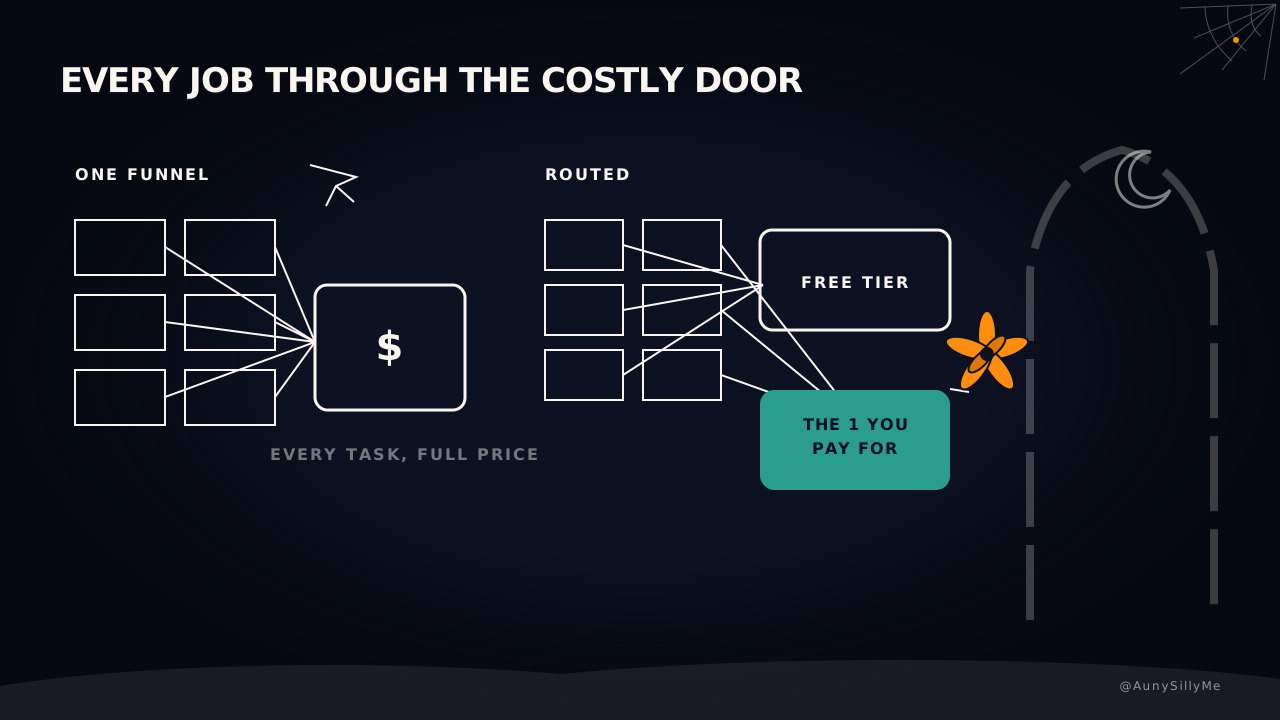
- funnel everything through it
It isn't. Every model has a different shape. Some hold an enormous amount of context without losing the thread. Some reason slower but more carefully. Some are fast, cheap and perfectly fine for anything that doesn't need to be smart, just quick.
Treating one model as "my AI" means paying premium prices for tasks a free tier handles fine. The waste was never the subscription. It's sending every task through the most expensive tool because it's the one you know.
split tasks on 2 questions
How much context does the job need, and how much free headroom does each tool have left this week.
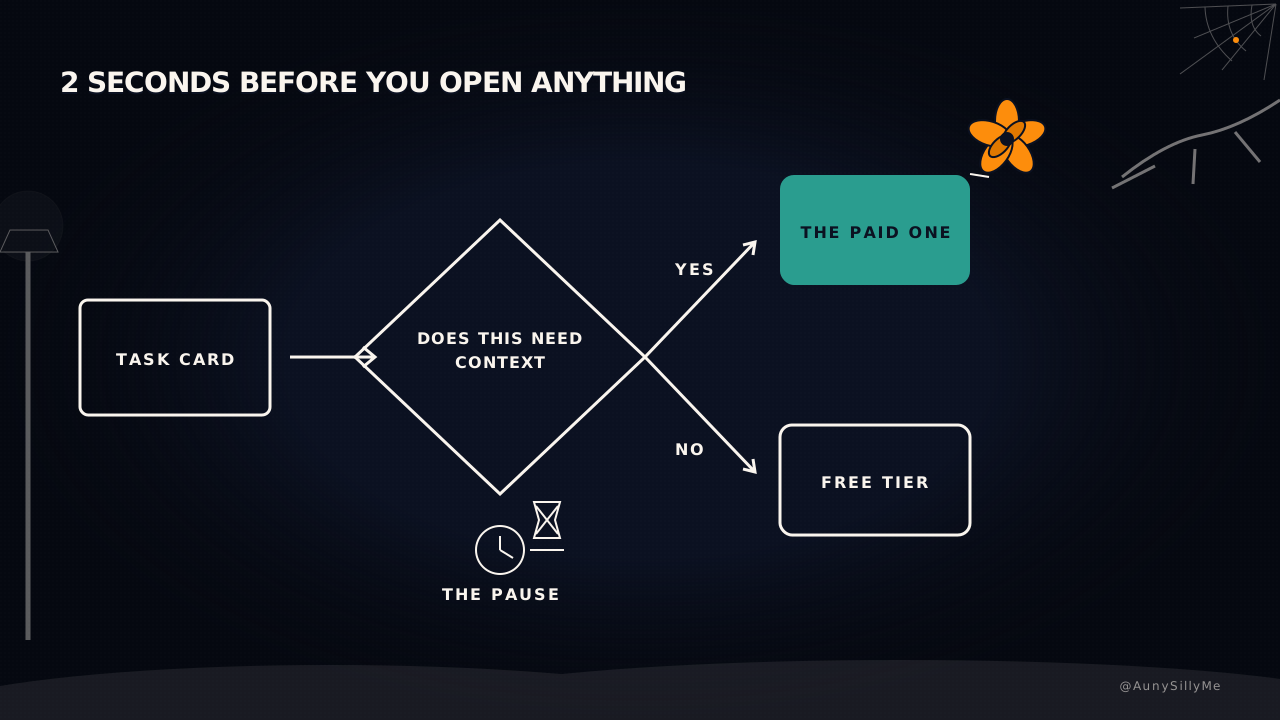
Send to the one you pay for:
- anything that needs your whole context layer in its head
- agentic work, where it acts across several steps
- anything that runs while you're not there
Route everywhere else, to whoever has room:
- a quick rewrite
- a fast fact-check
- a one-off image prompt
- a small script
- a first draft you're going to gut anyway
Most of that doesn't need your best model. It needs a model, and there's almost always a free one with headroom left.
This isn't a scrappy workaround, either. The pattern the labs now recommend is the same shape: a stronger model plans, cheaper models execute, and you keep most of the performance at a fraction of the cost.
the hard part is not technical
Routing is easy to describe. The hard part is not opening your favorite tool out of habit when a free one would do.
Build a 2-second pause before you open anything: which tool needs to touch this, not which tool do I feel like opening.
That pause is the entire discipline. Everything else is just knowing what each tool is good at.
what a normal day looks like
- the paid plan runs anything that needs your full context, drafts, keeps your systems documented, and handles the agentic work while you're doing something else
- a quick image prompt or rewrite goes to whoever has free headroom that day
- a local model takes the jobs that don't need cloud reasoning at all
None of it is loyalty. None of it is precious. It's routing.
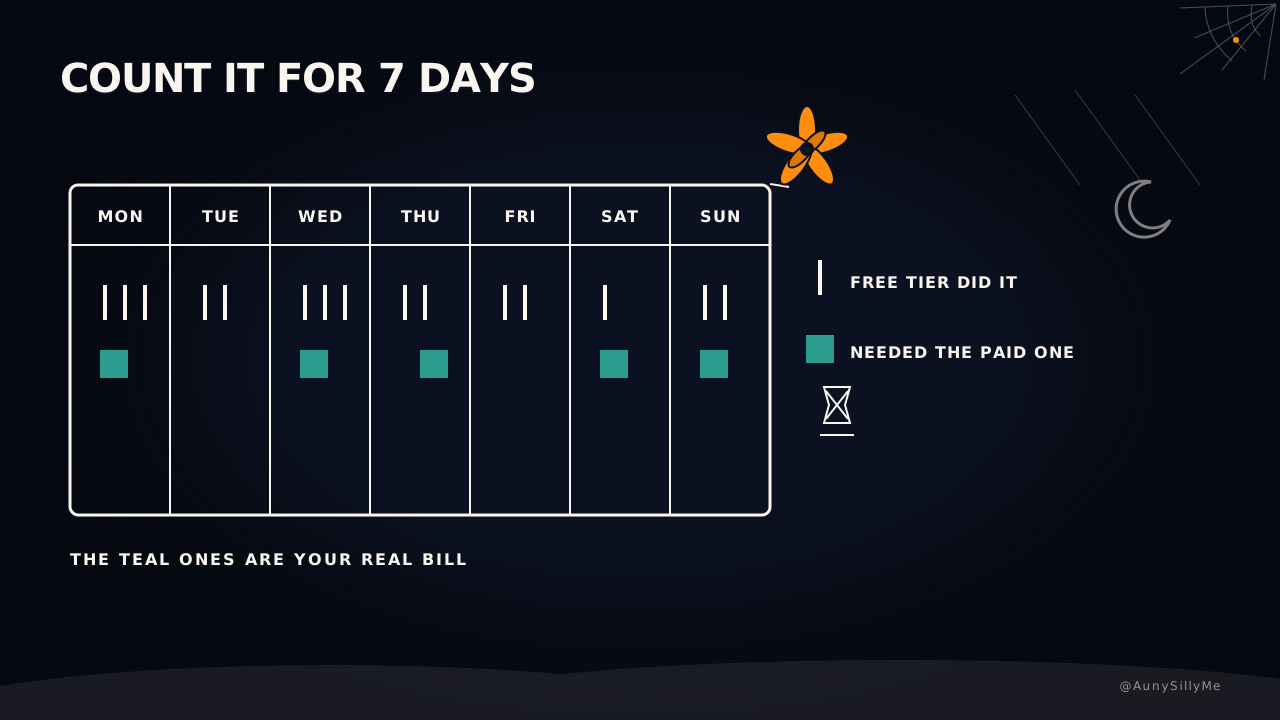
The number to watch isn't how many tools you have open. It's how much of your spend went to jobs that actually required the paid model.
do this tonight
Don't cancel anything. For one week, before you open your default AI, ask what the task actually needs. If the answer is "not much", go find the free one.
Then count how many times the paid one was genuinely required. That number is your real subscription 🧡
1:1 call · matches this post
AI Workflows for Creators
want your stack mapped, the jobs routed and the spend pointed only at what needs it? That's the AI Workflows for Creators call.