You can use all of them. Claude, codex, antigravity (gemini), GPT, Grok Imagine and some local models too.
Most of it is basically free. Not free because of a loophole, free because there are credits sitting in accounts you already have, and you spend those before you spend anything else.
paying twice for the same job
The way most people buy AI is one subscription per tool. You hit a wall on one, so you go buy the next one, and now you're paying two companies to do the same job badly.
Quit defaulting to the most powerful model for everything. It's not about power. Using the maxed out model doesn't guarantee the best result, it guarantees the token bill.
Speed won't save you either. A fast model that can't reason is just wrong faster. It only matters when it can take apart what you gave it and comes back making the right calls.
So the question is never which AI is best. It is which one is right for this specific job, and what that job is worth paying for.
what each one is for
Every model and agent has its own strengths and weaknesses now, and specific jobs each one is built for. That's the whole reason to keep several instead of marrying one.
A rough split that holds up:
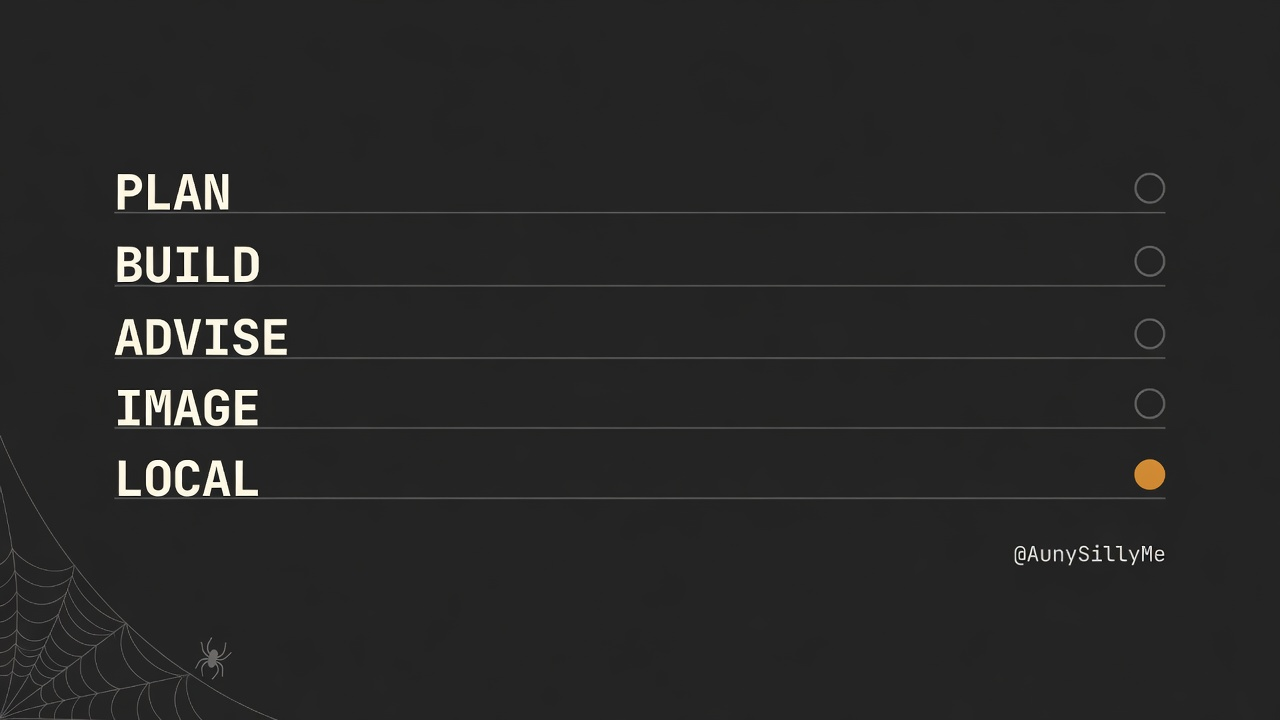
- planning and architecture go to the model that thinks the longest before it answers
- execution, the actual building of the thing, goes to a fast capable model that follows a plan without wandering
- advising, brainstorming, a second opinion, goes to a third one that is willing to push back on you
- images go to whichever image model understands your style, and that is a different answer for everyone
- short mechanical work, rewrites, formatting, renaming, batch edits, goes to a local model
That last line is the one most people never cross, and it's the cheapest win on the list. A local model costs nothing per token, forever, and half of what you hand an expensive model every day is mechanical.
free credits are a real budget
Go look at what your accounts already give you. Google's dev tier hands out a free allowance. A lot of the smaller labs do too, and the amounts move around, which is the reason to check yours rather than take anyone's word for it. Most people never open that page, never spend a single one, and then go buy another subscription the week they run out somewhere else.
Those credits are a budget. Treat them like one.
Two things decide where a job goes:
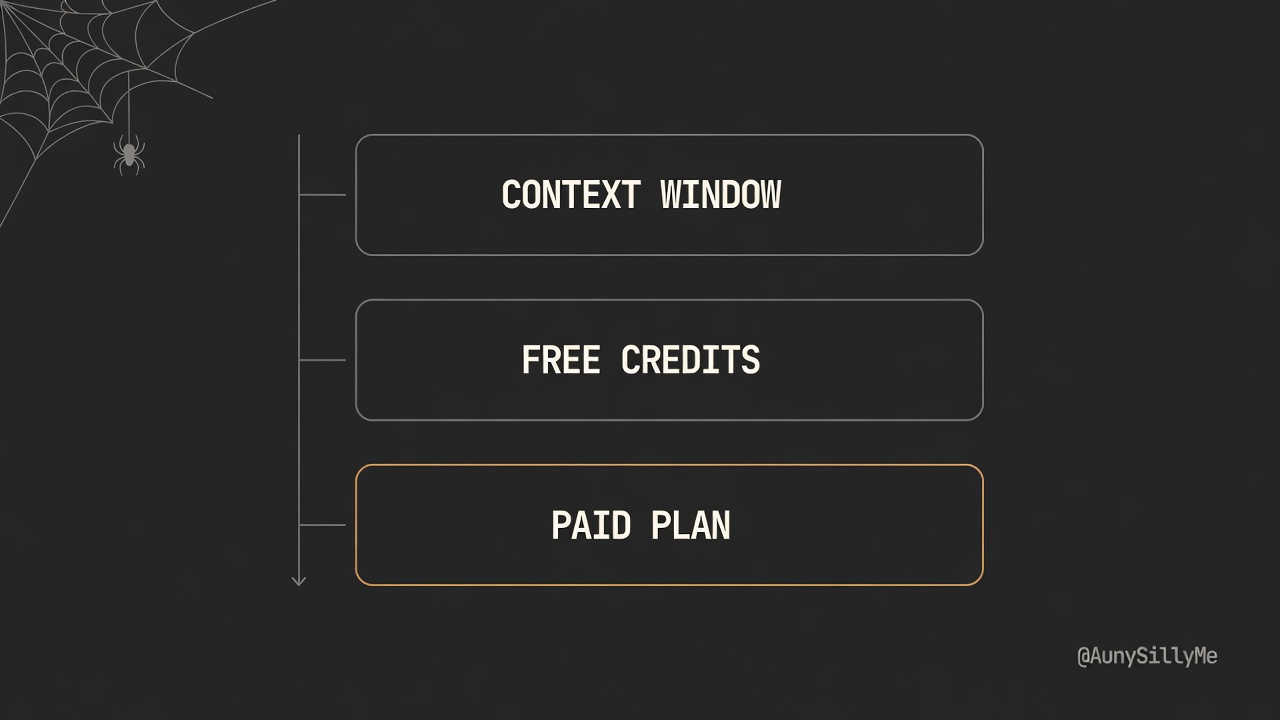
- the context window. A long document, a big repo, a 2 hour transcript, goes to whoever has room for it. Check who has room for free before you check who has room at all.
- what you have left this month. Spend the free pool first, every month, before you touch the plan you pay for. It resets whether you used it or not.
That's the whole routing rule. Context window, then free credits, then the paid plan as the last resort rather than the default.
This part is already built into a thing you can install.
npx model-orchestrator
It asks what you have access to, then writes the routing for your own setup: which model takes which job, and how much effort to spend on it. Tell it which plans you're on with --plans and it uses the headroom you already pay for to decide where the volume goes.
github.com/aunysillyme/model-orchestrator
the free tool is sometimes not an AI
This one costs nothing and can save the week.
Codex generates images at 1254px. That's its native output, every single time, and asking it for bigger doesn't change it. Say you need 3000px.
The answer is not a better model or a bigger plan. Download real-esrgan, a free upscaler that runs on your own machine, point it at the file, and you get 5016px in about 48 seconds on a laptop. Then scale it down to the 3000 you need.
Get the ncnn-vulkan build, the prebuilt one. No python, no CUDA, you download it and run it:
github.com/xinntao/Real-ESRGAN-ncnn-vulkan
An expensive model wouldn't have done that job better. It would've done it worse, slower, and charged you for it.
Before you go looking for a model that can do the thing, check whether a free tool already does it. Upscaling, format conversion, file splitting, transcription, compression. Most of those were solved years before any of us had an AI subscription.

what is worth paying for
One thing, and it is the reasoning.
The heavy job. The one where you hand over something messy and complicated and you need it taken apart properly and handed back with the right call attached. That's where the good plan earns its money and it's the only place worth spending without thinking about it.
Everything around that job is logistics. Reading, fetching, formatting, resizing, converting, renaming, first drafts you will rewrite anyway. Logistics should be running on credits you didn't pay for, or on your own machine.
The people spending the most on AI right now are mostly paying premium rates to have logistics done.
you don't need code for any of this
You don't have to build a router. You don't have to write a single line.
Open whichever AI you use most and tell it what you have access to. Every account, every plan, every free tier, and what is installed locally. Then ask it which model should take which part of your next big task, and why.
It'll tell you. It'll be roughly right. And it keeps being right if you write the answer into a file it reads before every task, so you never have to explain your stack again.
That's the entire system. The routing isn't the hard part and it never was. Knowing what you already have is.
do this now
Go open the billing or credits page on every AI account you have. All of them, including the ones you forgot you signed up for.
Write down two columns. What's free and when it resets. What you pay for and what it is buying you.
Give it to your main AI and have it delegate and orchestrate the task at hand for you ✌🏽
1:1 call · matches this post
AI Workflows for Creators
want your stack mapped, every job routed, and the spend pointed only at the reasoning? That's the AI Workflows for Creators call.