"The people worried AI makes everyone lazy have never watched someone build with it."
That line pulled more replies than anything else this month, and most of them said the same thing: yeah, nobody talks about that part.
So here is that part. The effort, in order, with the exact thing to do at each step.
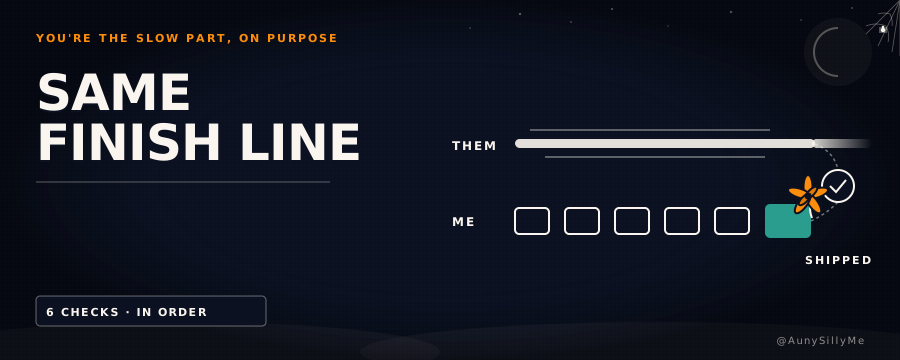
AI didn't make anyone lazier. The work moved. It used to be typing. Now it's watching, checking, verifying.
AIs are fast
Your AI can write more in 2 minutes than you can read in an hour. That gap is the whole problem. Let it run and only look at the end, and you're not building anymore. You're letting it build.
So put the slow parts back in yourself. Every one of these costs time. Every one of them has saved a mess.
1. make them ask you questions before they touch anything
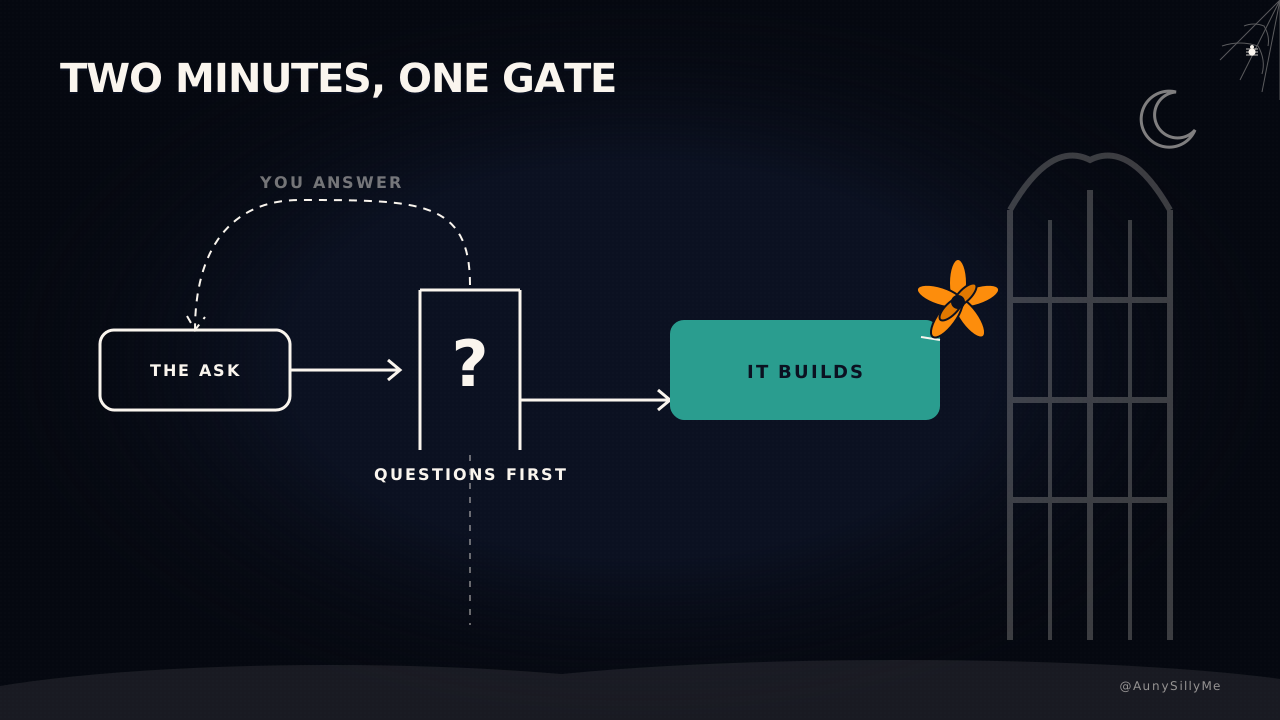
Codex and Gemini work hella fast. Sometimes too fast. So stick this at the end of the prompt:
before you get into it, do you have any clarifying questions you wanna ask?
Answer them before it opens a single file.
- it takes 2 minutes
- it catches the thing that would have cost an hour of undoing
- half the time the questions show you your own brief was vague, which is a much nicer way to find that out than watching it build the wrong thing beautifully
The soft and hard versions of that line, and the 4 things a brief has to name: blog 11.
2. every project gets a protocol file, and the routing is what makes it work
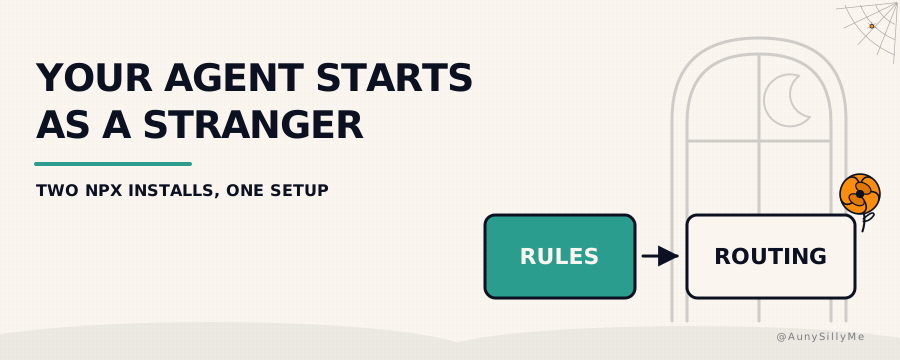
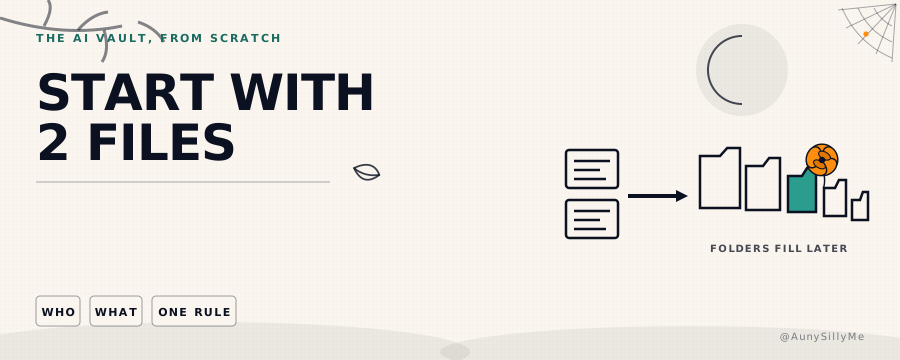
Every recurring task gets its own file: what the project is, how you want it done, which folders to read, which ones to leave alone.
Then the half that does the real work: tell your AI which file to open for which kind of task.
A file nothing points at does nothing. You can write the most beautiful instructions in the world, and if no rule sends your AI to them, they never get read.
The payoff is prompts that get embarrassingly short. You stop opening a chat by explaining yourself and how it should behave. You just say what to work on.
If you want the install rather than the write-up, Agent Personalizer is an npm install your agents can walk you through.
3. build in phases and park everything else
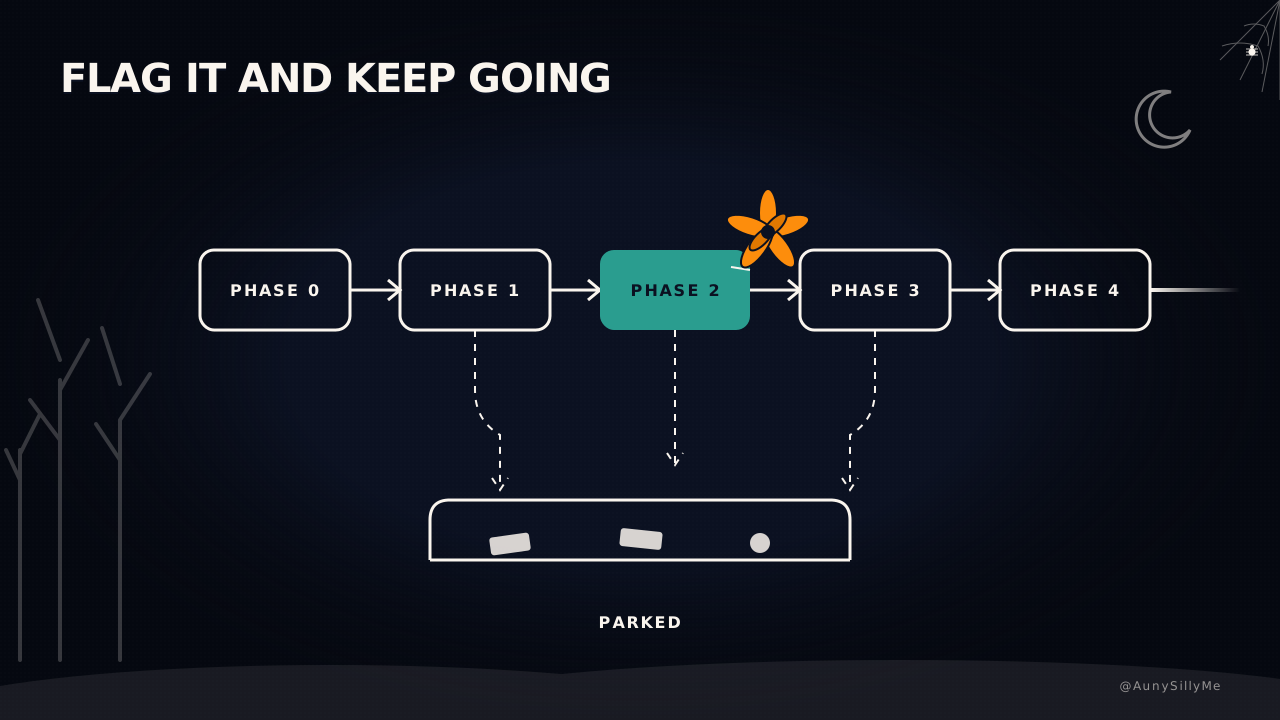
Ask for the build plan in phases. Phase 0, phase 1, phase 2. Each phase is a goal, and it executes one at a time.
Mid-build it will say "hey, I noticed this, want me to handle it now?" It's right, it's interesting, and it's not what you sat down to do. That "real quick" is 40 minutes you did not need today.
- flag it, park it for the last phase
- unless it's load-bearing for the build, it waits
- put the phases in a plan doc and track them in Linear, so any external agent you bring into the task can read them too
- every LLM can read Linear, so the plan stops living inside one chat window that ends when the context does
The one line that enforces the parking lot, and the 3 lines every unattended run needs: blog 16.
4. different models for different jobs
Don't use one AI.
- Sonnet for execution
- Opus for planning
- Fable as the advisor, to iterate, brainstorm and argue with you before anything gets built
- Grok for live X data, which is what it's actually good for
- Codex when the job is code: highly organized, finds errors like a badass
Layering them saves tokens and produces better work, because each one is doing what it's best at instead of what it's willing to try. How to split the jobs without paying for five plans: blog 18. The install version is Model Orchestrator.
5. read what they wrote before the next one runs
The least glamorous one on the list. The one that does the most.
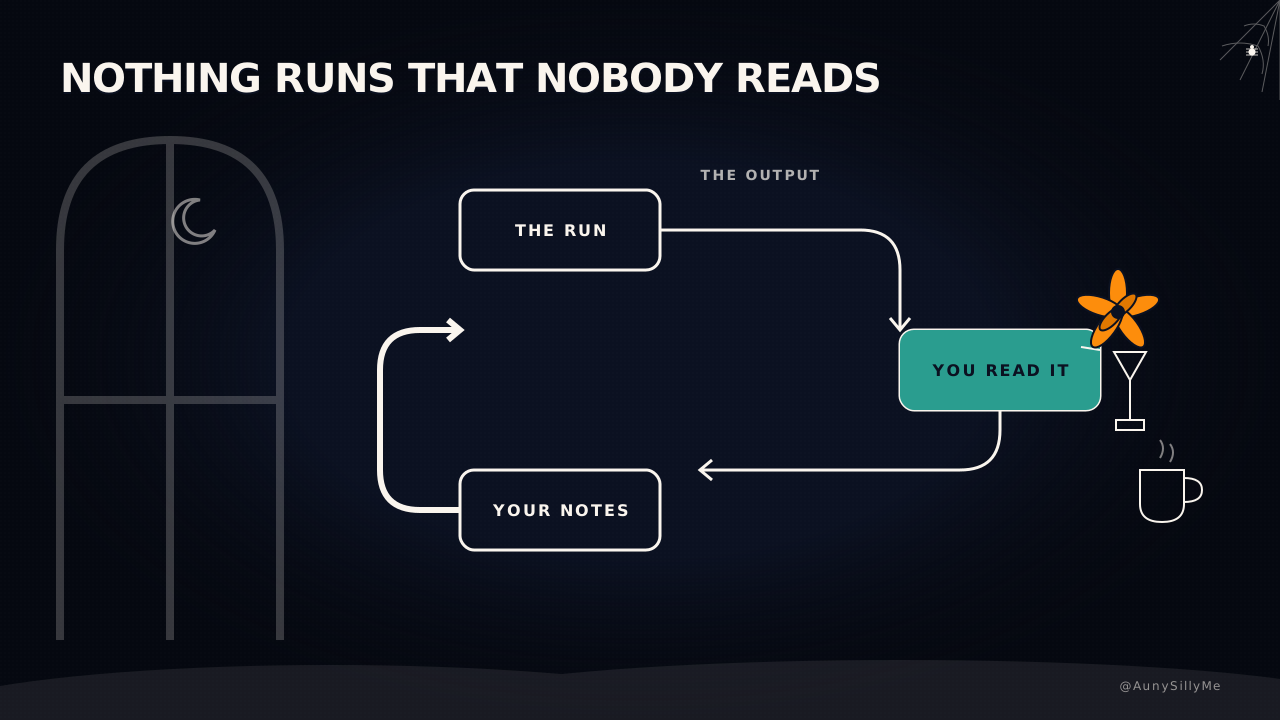
It's tempting to skim. Or not read at all: say "build" and wait for it to be done. The day you start reading what it thinks and how it executes, you get real control over what gets built. It's a whole new world.
If your AIs run scheduled tasks, this stops being optional. They write their output into your vault. You read it and leave feedback. They read the feedback before the next run.
Nothing runs that nobody reads. Human in the loop. You need that.
6. do not blindly trust any of them
People think Grok has all this live knowledge, so it must know things. Ask it what's wrong with your account and it is not going to X's internal ranking system. It can't. The open-sourced part of the algo, yes. Nothing you don't already have access to.
What it's doing is sourcing live takes from people posting about that topic. And plenty of those are "gurus" spreading misinformation for clicks. Grok is not going to work out which one is clickbait. It hands you something that sounds like facts, packaged to sound reasonable.
Don't blindly trust Grok, or any AI. Verifying is the job description of the person holding the keyboard.
Pro tip: tell your AIs to give you evidence-based outputs only.
what this costs
More attention than people outside the AI world think.
You read more than you write. Your time goes into briefs, rules, reading output, verifying.
And honestly that's fine, because the point was to offload the boring parts. Turns out the boring part was never the typing. It was always the deciding, and you can't hand that to anybody or anything. That's what makes the build yours.
Anyone telling you AI made them lazy is describing someone who stopped being the director and the creator. Or they just don't know shit about how AI works.
the one thing to do today
Take whatever you're building right now and add one line to the end of your next prompt:
before you get into it, do you have any clarifying questions you wanna ask? make sure your output is evidence-based. no assumptions or bias.
Then answer the questions properly. It's the easiest thing on this list and it changed the most.
Go do it on your next run ✌🏽
1:1 call · matches this post
AI Workflows for Creators
want the whole loop set up on your work, the protocol files, the routing, the phases in a tracker every agent can read, and the feedback pass wired so nothing runs that nobody reads? That's the AI Workflows for Creators call.